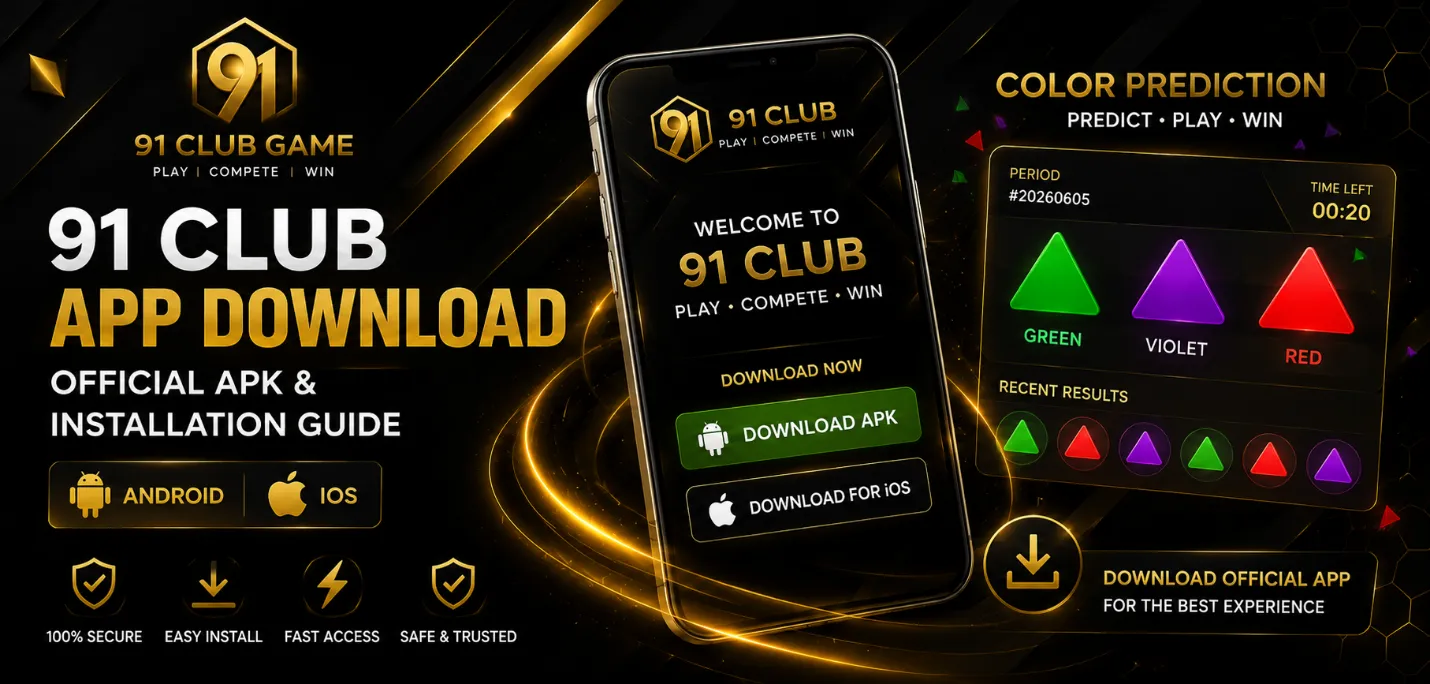

Mobile gaming platforms are designed to make access quick. A user can move from discovering a service to creating an account and opening a game within minutes. That convenience is useful, but it can also lead people to skip basic checks before installing software or sharing personal details online.
Anyone researching a platform such as 91 Club Game should look beyond the homepage and consider how the service handles registration, app distribution, permissions, account security and user information. The same checks apply to most mobile gaming platforms, especially when an application is downloaded directly from a website.
Check Where the App Comes From
The download source is one of the first things to review. A link received through social media, a group chat or an unfamiliar advertisement should not automatically be trusted simply because it uses a known brand name.
Users should inspect the website address carefully and make sure the domain is spelt correctly. Lookalike websites may use small spelling changes or extra words to imitate another service. If a download page redirects through several unrelated domains, that is another reason to examine it more closely.
When considering the 91 Club App or a similar application, users should also check whether the website explains what is being downloaded and how installation works.
Review App Permissions
Android applications can request access to different parts of a phone. Some permissions may be necessary, while others may have little connection to gaming.
Before approving permissions, users should ask whether each request makes sense. Internet access is expected for an online game. Requests for contacts, call records, microphone access or other sensitive information should have a clear reason.
Permissions can usually be reviewed later in the phone settings. Removing unnecessary access can reduce the amount of personal information available to an application.
Understand the Registration Process
Creating an account may require a mobile number, email address, username or password. Before providing these details, users should read the privacy policy and terms of use where available.
A platform should explain why information is collected and how it may be used. Users should be cautious if they are asked to submit extensive personal or financial details before they understand the service.
It is also sensible to use a unique password. Reusing the same password for gaming, email and social media means one compromised account could create problems elsewhere.
Look at Account Recovery Options
Password recovery is easy to overlook until access is lost. Before relying on an account, check whether the platform explains how forgotten passwords, changed phone numbers or locked accounts are handled.
Users should also be careful with unofficial support accounts. Someone claiming to provide technical assistance should not need a user’s password or one-time verification code. Secure recovery procedures normally use controlled verification steps instead of asking users to send confidential credentials through chat.
Keep the Device Updated
App security also depends on the phone itself. Operating-system updates often contain security fixes, so postponing them for long periods can leave known vulnerabilities unresolved.
Users who manually install APK files should be particularly careful. Updates should come from a source they have independently verified rather than random links advertising a “latest version”. Old installation files should also be removed when they are no longer needed.
Think About Notifications and Screen Time
Mobile apps are built for convenient repeat access. Notifications can bring users back several times during the day even when they had not planned to play.
Turning off non-essential alerts can make gaming more deliberate. Most modern phones also provide screen-time controls that show how long an application is used each day.
Setting a personal time limit can help maintain balance between gaming and work, study, sleep or other activities. If a platform involves payments or monetary rewards, users should also understand the rules applicable in their location and avoid treating gaming as guaranteed income.
Check More Than the Design
Professional graphics and a smooth interface can make a platform look credible, but appearance alone does not establish trust. Users should look for consistent contact information, readable policies, clear account procedures and transparent explanations of how the service works.
Independent research can also help users compare promotional claims with information available from other sources.
Conclusion
Choosing a mobile gaming application should involve more than checking whether the games look interesting. The download source, requested permissions, registration requirements, recovery options and privacy information all matter.
A few minutes spent reviewing these details before installation can prevent avoidable problems later. Whether someone uses a browser or installs an app, careful account habits, sensible permissions and basic device security remain useful starting points for safer mobile gaming.
